



Full View
Similar items
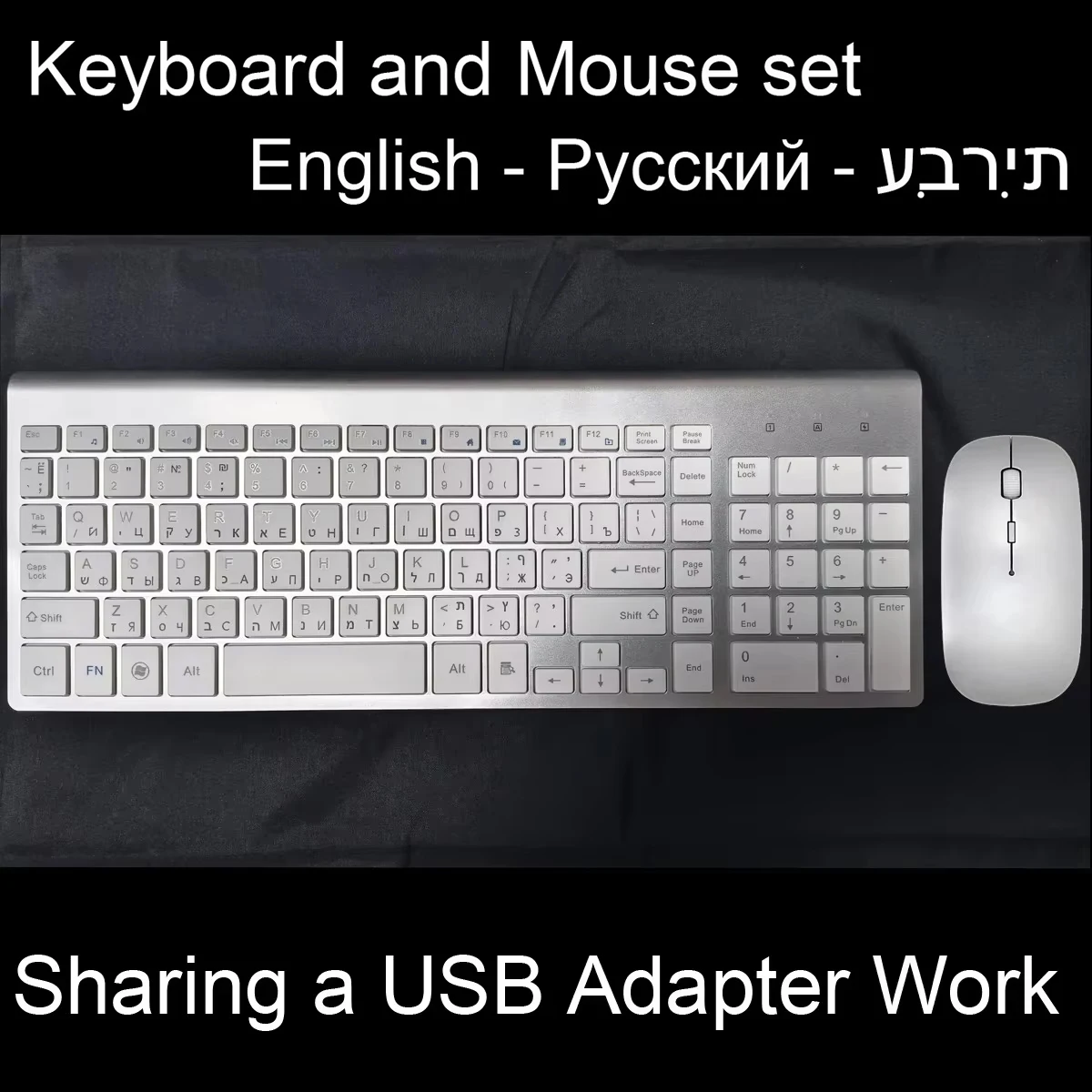
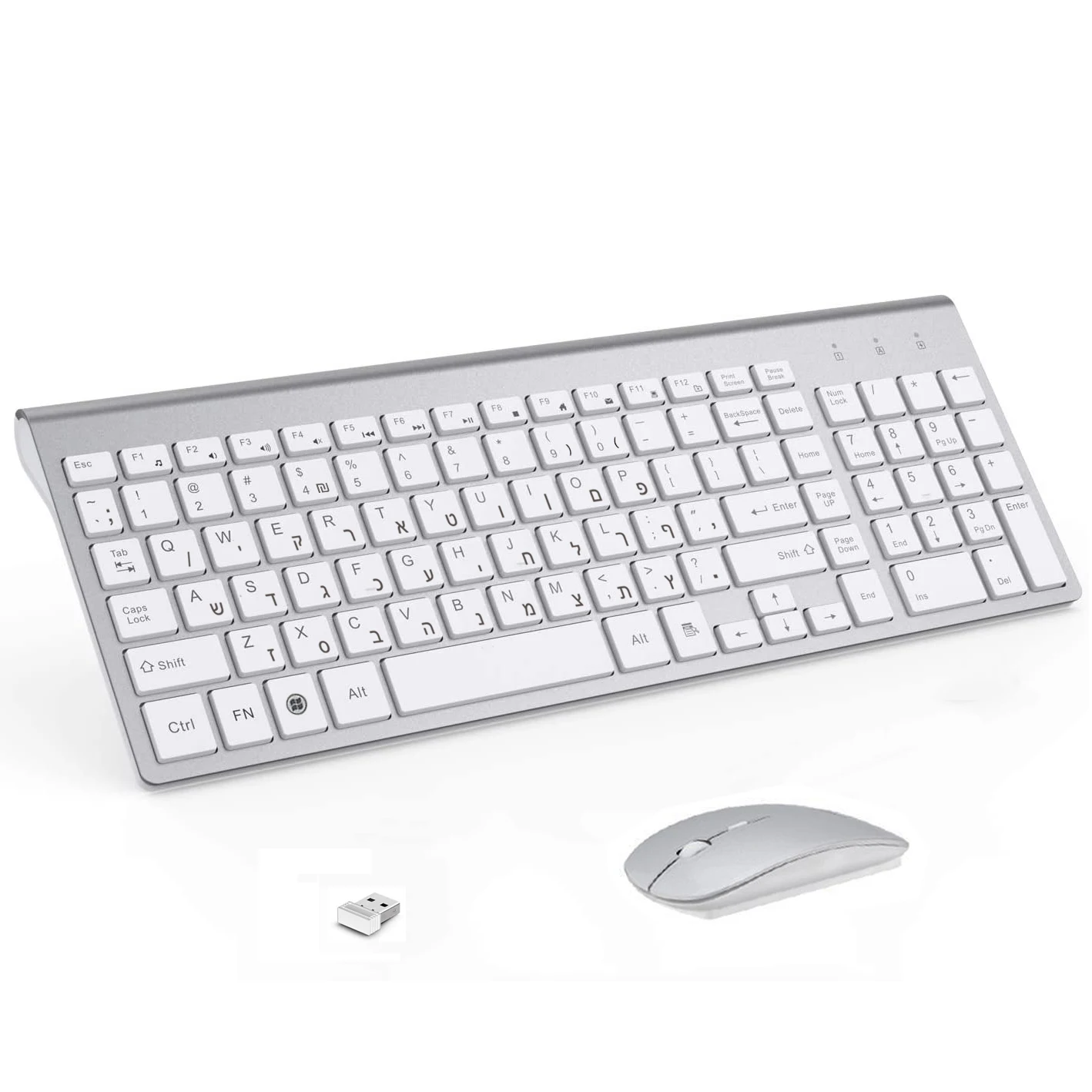
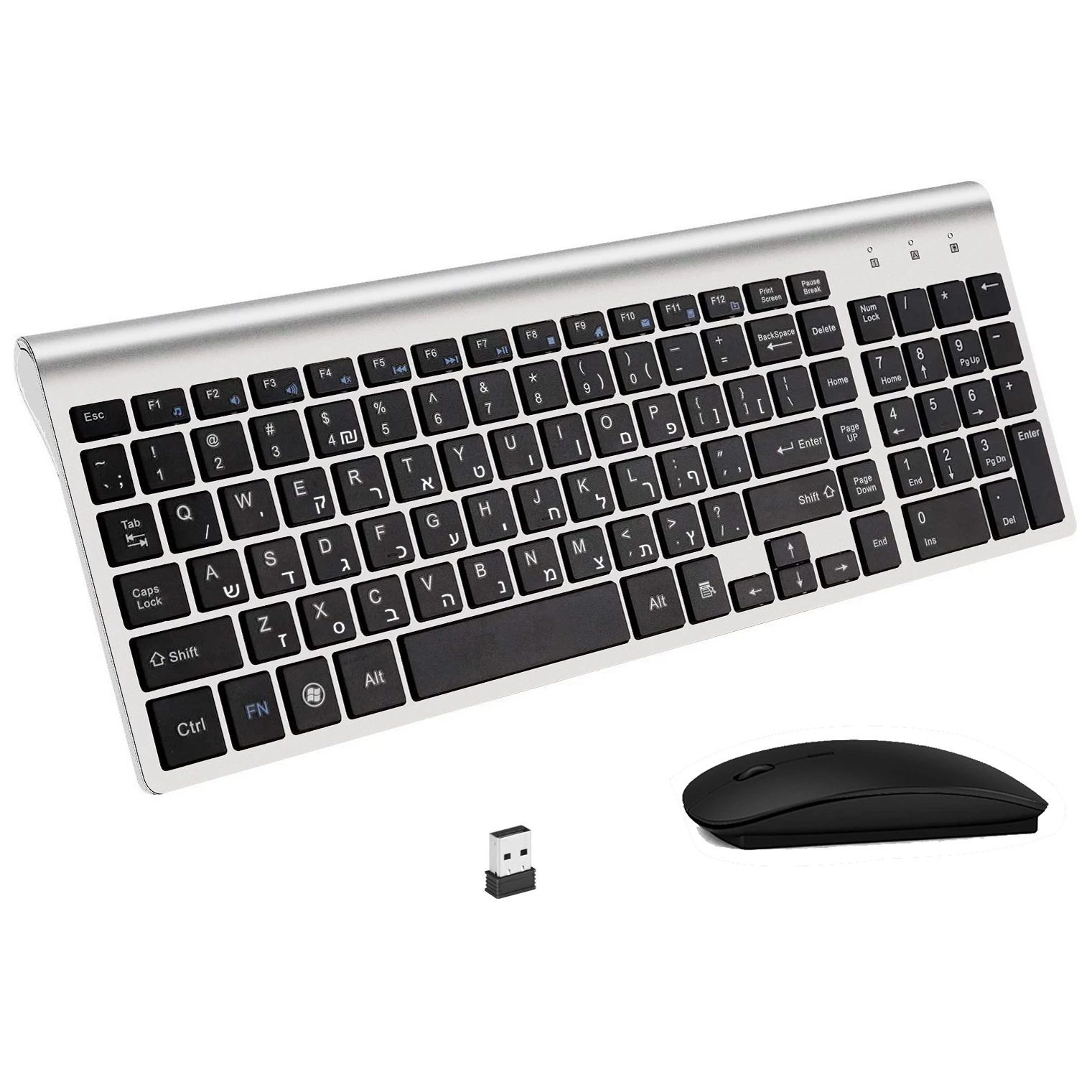
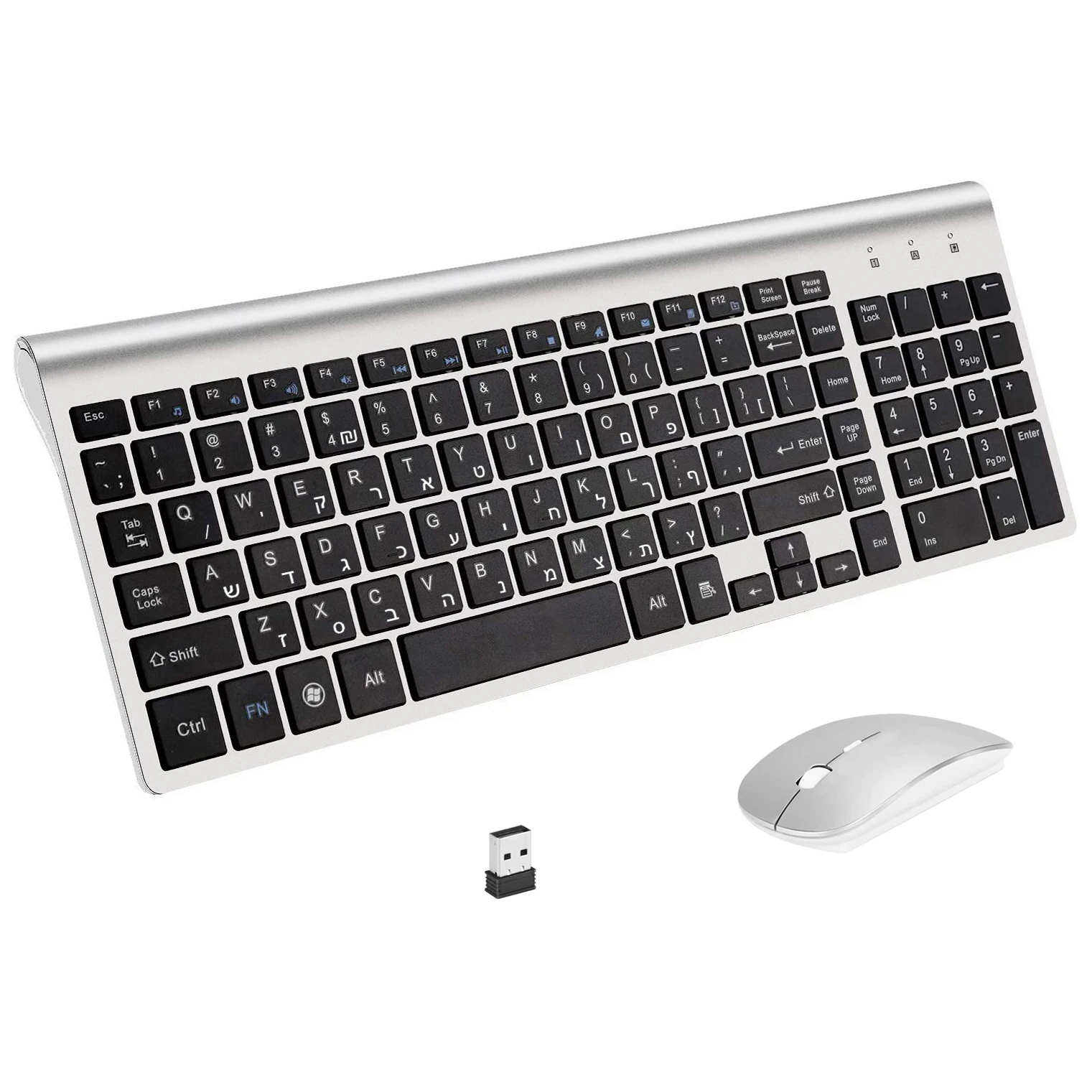
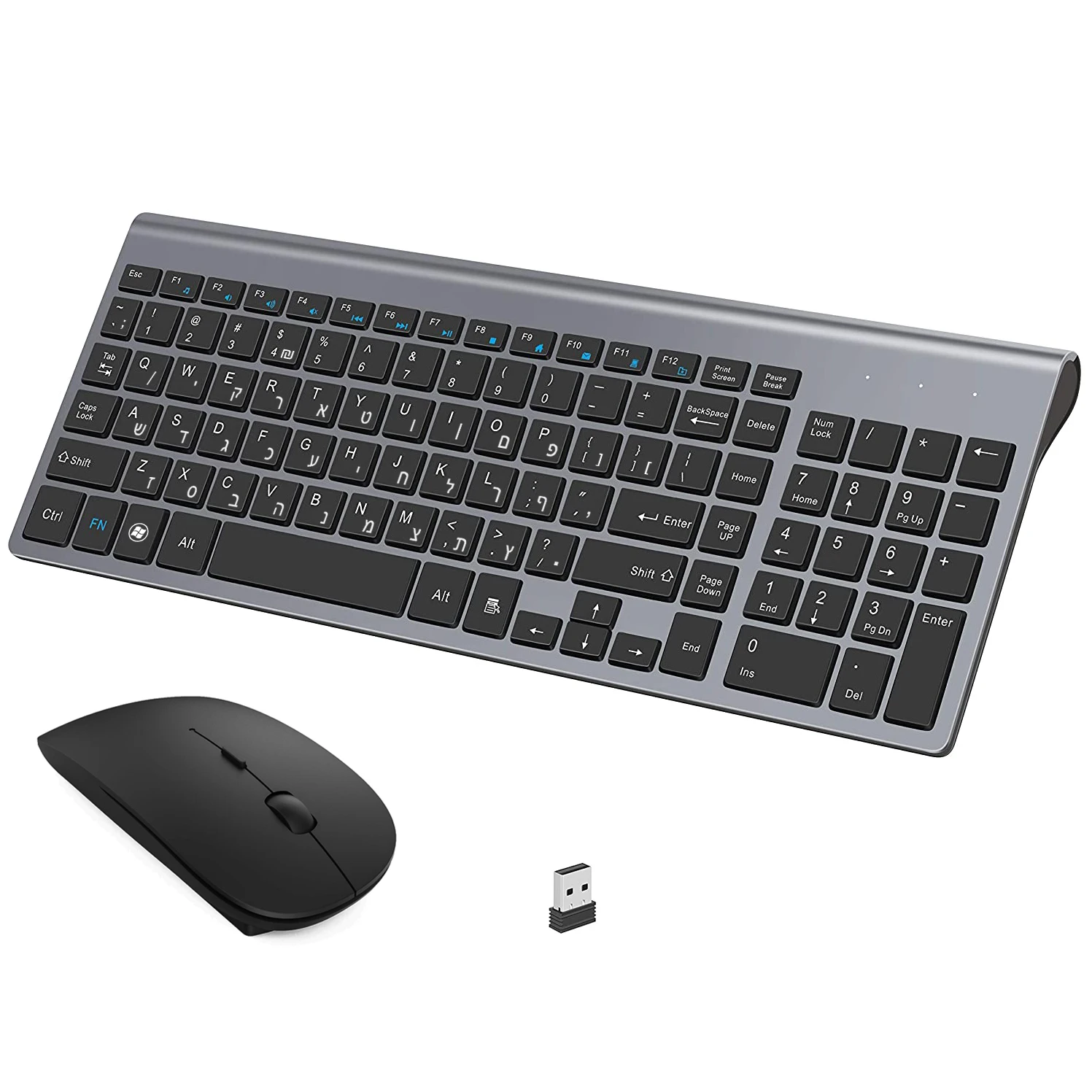
Hebrew Israel English Layout 101 Keys Combo 2.4G Slim Mouse Compact Wireless Keyboard For Desktop
NZ$106.69NZ$134.65
Color : US Hebrew Russian
Quantity :

Report
Include copyright infringementFree Standard Shipping. See details
Estimated between Thu, Jul 23 and Tue, Jul 28
You can return the product within 30 days of receipt. See details
Shop with confidence

Money Back Guarantee
Get the item you ordered or your money back. Learn more
About this item
Sourced from TechNex
Seller assumes all responsibility for this listing.Item number: 39286906
Item specifics
Size
Full-size
Key type
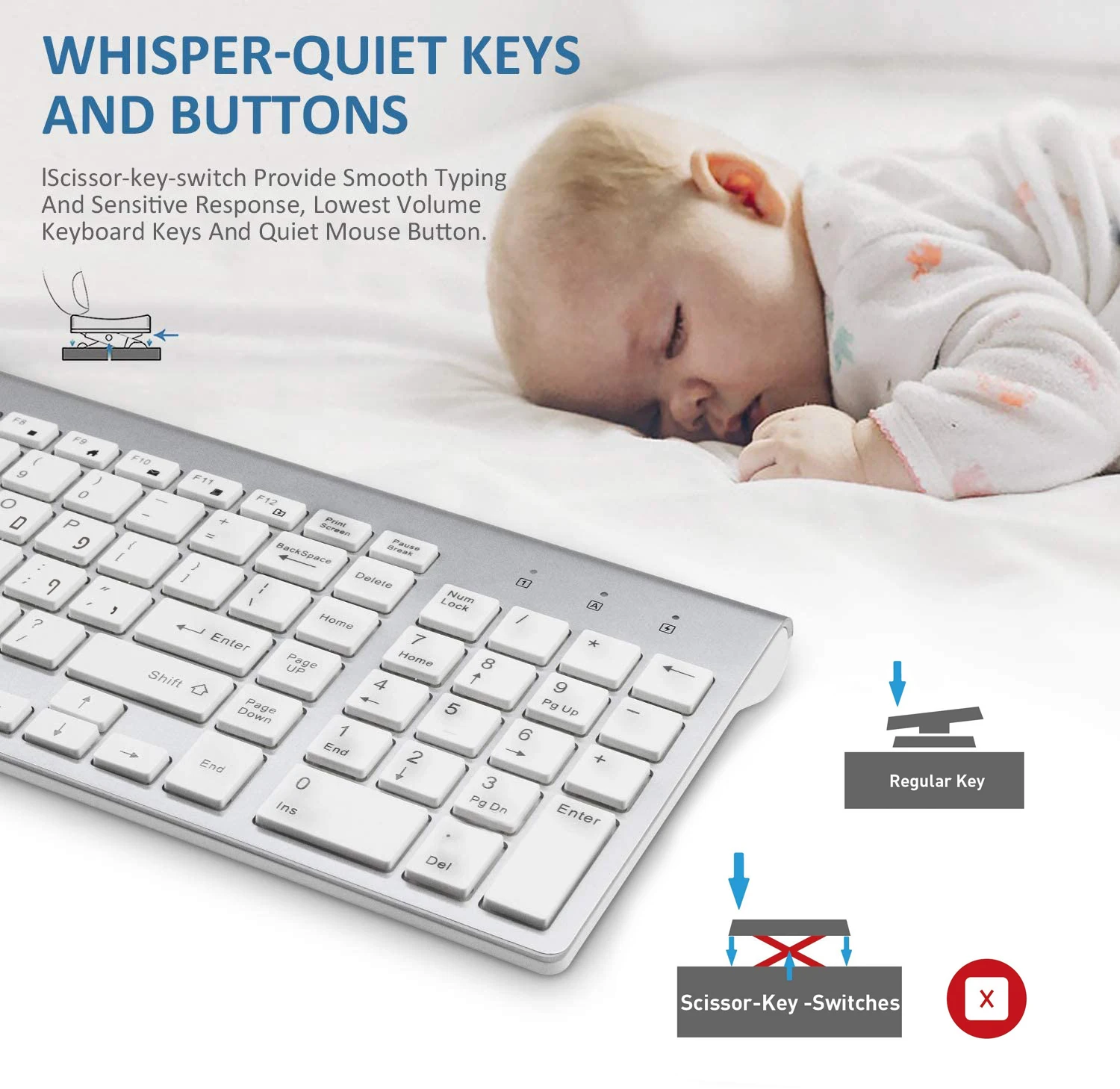
Mechanical Switches
Switch Type
Linear, Tactile, Clicky
Compatibility
Windows, macOS, Linux
Connected devices
1
Illuminated Keys
YES
Connectivity
Bluetooth, Logi Bolt USB
USB Type
USB-A
Logi Options
Yes
Item description from the seller
About this item
2.4G Wireless Connection / low noise
Powerful and reliable wireless keyboard and mouse connection is up to 10 m (393.7in).Wireless keyboard with mouse combo shares a Nano receiver (stored at the bottom of the mouse) without the need to install any additional software, plug and play.Keep your desk clean and tidy.
101 Full-Sized Keys
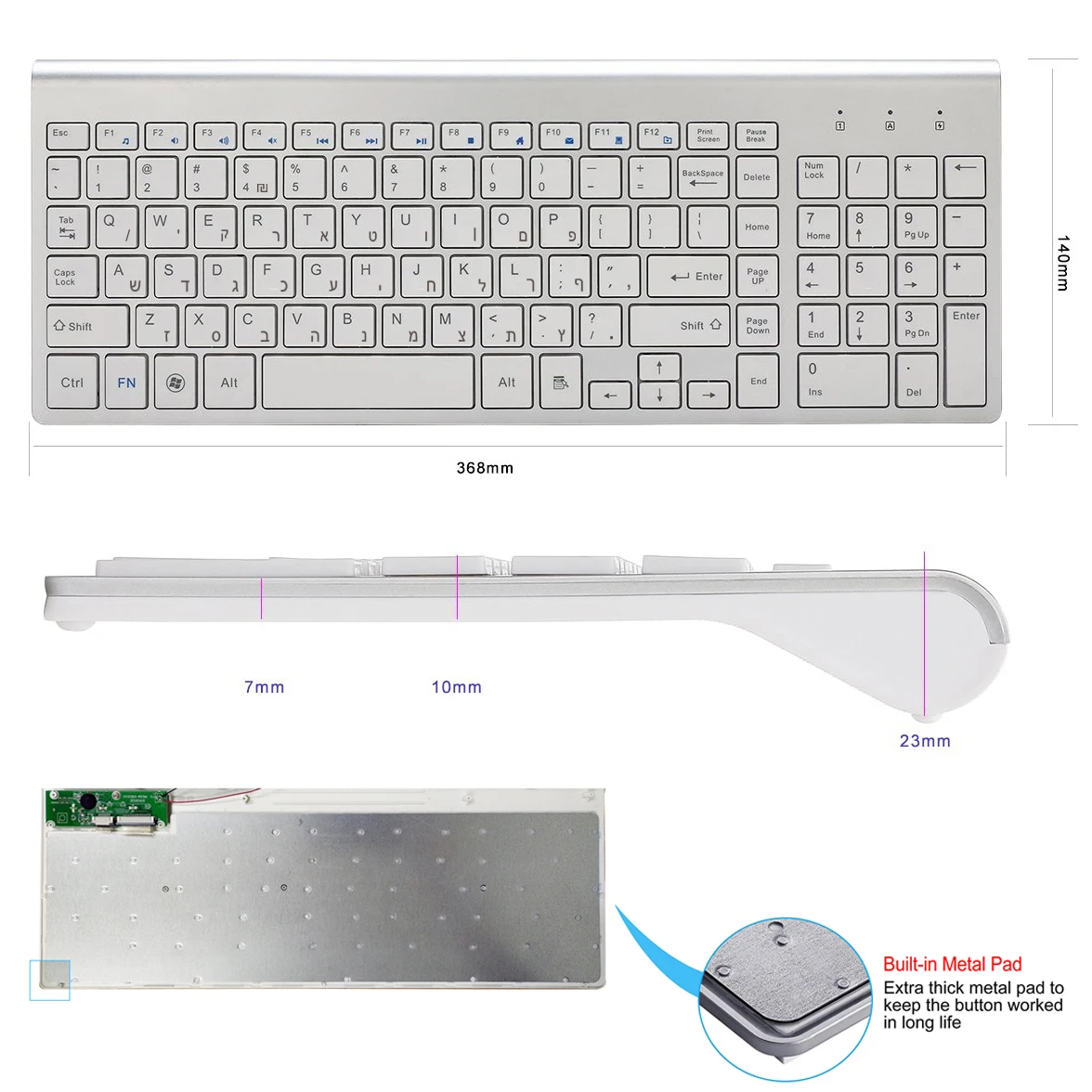
The keyboard is full-sized with 101 keys, including a numeric pad, making it an ideal choice for office use.
12 Multimedia Keys
With the 12 multimedia keys, it enables users to improve work efficiency and provides users with more options in entertainment.
Power-saving Design
The keyboard will automatically enter sleep mode if no operation is performed within 3 minutes.Only when you continue to press the key will the upper right corner of the indicator light be lit. When you stop pressing the key for more than 5 seconds, the indicator light will go out, this is also to save power!The mouse adopts an energy-saving driver program, no obvious...
There is a light display at the bottom in normal operation. It has a switch at the bottom of the mouse that you can turn off when you are not available.
Compatibility
Compatible with operating systems ranging from Windows 98/ Windows 2003/ XP/ Vista/ Win7/ Win8/Win10; Supports connection with devices that have a USB interface, for example, PC, desktop computer, smart TV, and others.
Smart Power-saving
The keyboard and mouse will automatically enter sleep mode if no operation is performed for 5 seconds and 10 minutes, respectively, and there is a switch at the bottom of the mouse that you can use to turn it off when you are not using it.
Some Problems
Compatibility
Compatible with operating systems ranging from Windows 98/ Windows 2000/Windows 2003/ XP/ Vista/ Win7/ Win8/Win10 for Mac Android Tv Box.
How To Connect It With Your Devices?
Find the USB nano receiver (Note: It is in the battery compartment of the keyboard), plug it into the USB port of your device.Then it will automatically pair and connect.
Can It Work
k With Mac OS System?
As you can see in the pictures above, the keyboard is designed according to the Windows system.But it can still roughly work with the Mac OS system.Due to the design differences between the two systems, a slight adjustment in the settings of the APPLE computer is required if you want to use the Ctrl or Alt keys normally: System Preferences--Keyboard--Modifier Keys--Select Keyboard--then adjust it according to your preference.
The keyboard can be used on tablets?
This keyboard can normally be compatible with tablets, but tablets without a USB interface cannot be connected. You need to buy an "OTG" cable.


Videos
Videos for this product
