



Full View
Similar items
Webcams 4K USB Web With Microphone Autofocus 2K Camera PC Computer Laptop Live Streaming 1080P Webcam For Video Calling
NZ$51.99NZ$75.36
Color : Fixed focus 1080P


Ships From : China Mainland
China Mainland
Quantity :
 Customer Service
Report
Include copyright infringementFree Standard Shipping. See details
Estimated between Sun, May 31 and Sat, Jun 6
You can return the product within 30 days of receipt. See details
Shop with confidence

Money Back Guarantee
Get the item you ordered or your money back. Learn more
About this item
Sourced from LiveEasy
Seller assumes all responsibility for this listing.Item number: 37630321
Item specifics
Item description from the seller
Please watch our video before purchasing it!
NOTE: For versions below Windows 7, please purchase 1080 version camera, otherwise the computer will not display images!
Webcam specifications:
• Video Frame rate : 1080P:30fps;2K Webcam:30fps;4K Webcam:30fps.
• Output format : MJPG/YUY2
• Microphone: Digital microphone
• Interface : USB2.0
• Support system : Windows XP, Win7,Win8,Win10M,Mac OS ,Vista, Linux
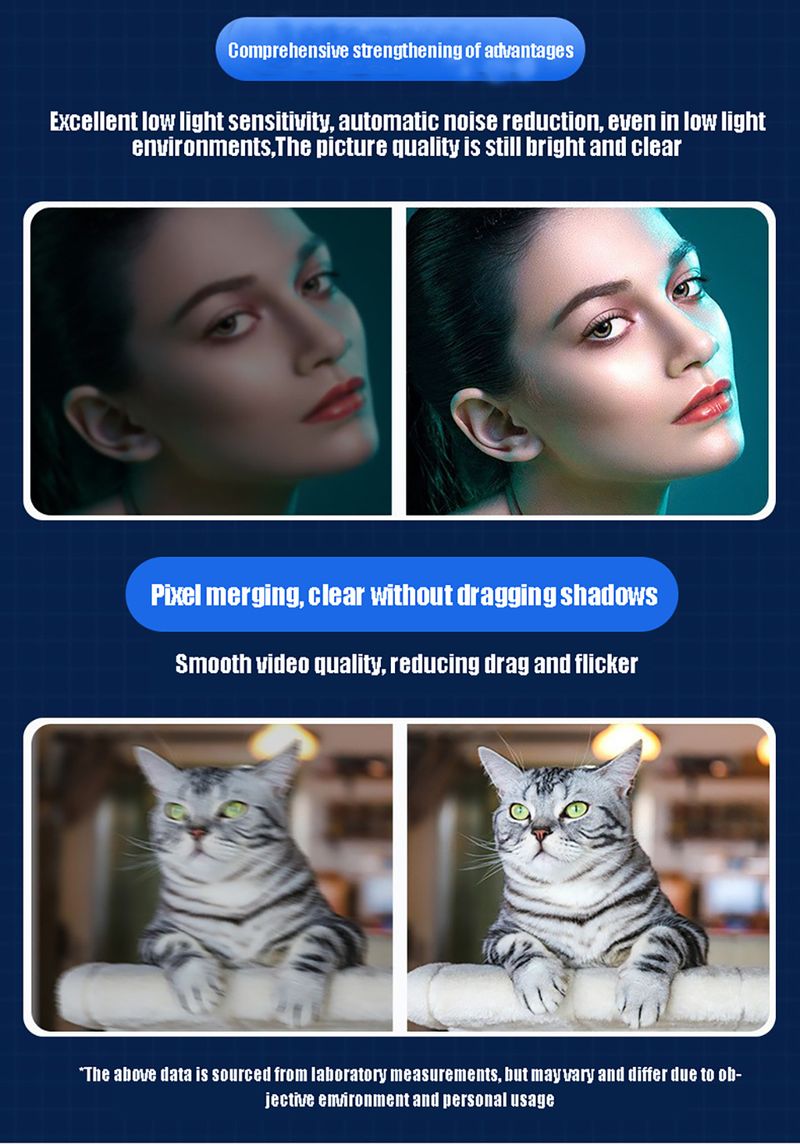
Excellent low light sensitivity, automatic noise reduction, even in low light environments, the image quality remains bright and clear.
Smooth video quality, reducing drag and flicker.
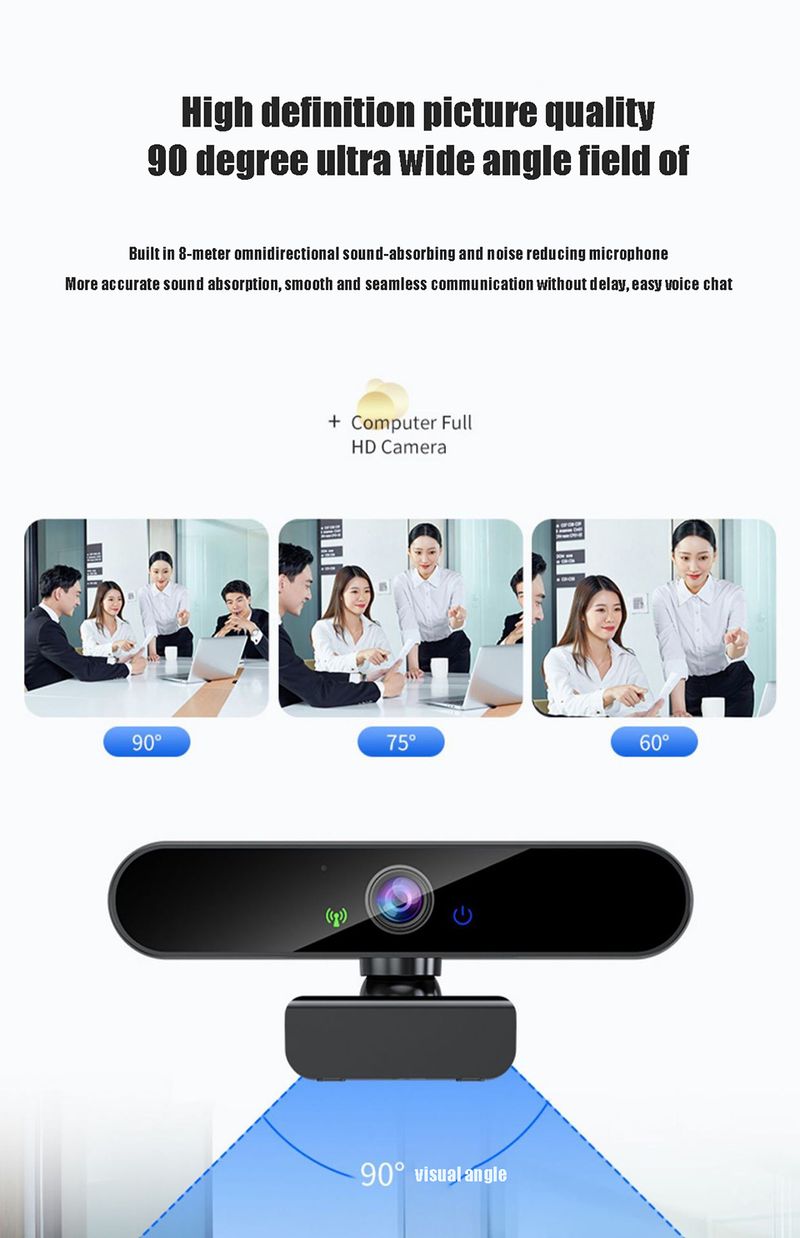
High definition picture quality with a 90 degree ultra wide angle field of view
The fixed 90 degree wide angle of view of our web camera is capable of covering the protagonist and extra details of interest for visually sharing, ideal for capturing the faces of a small crowd on one screen.
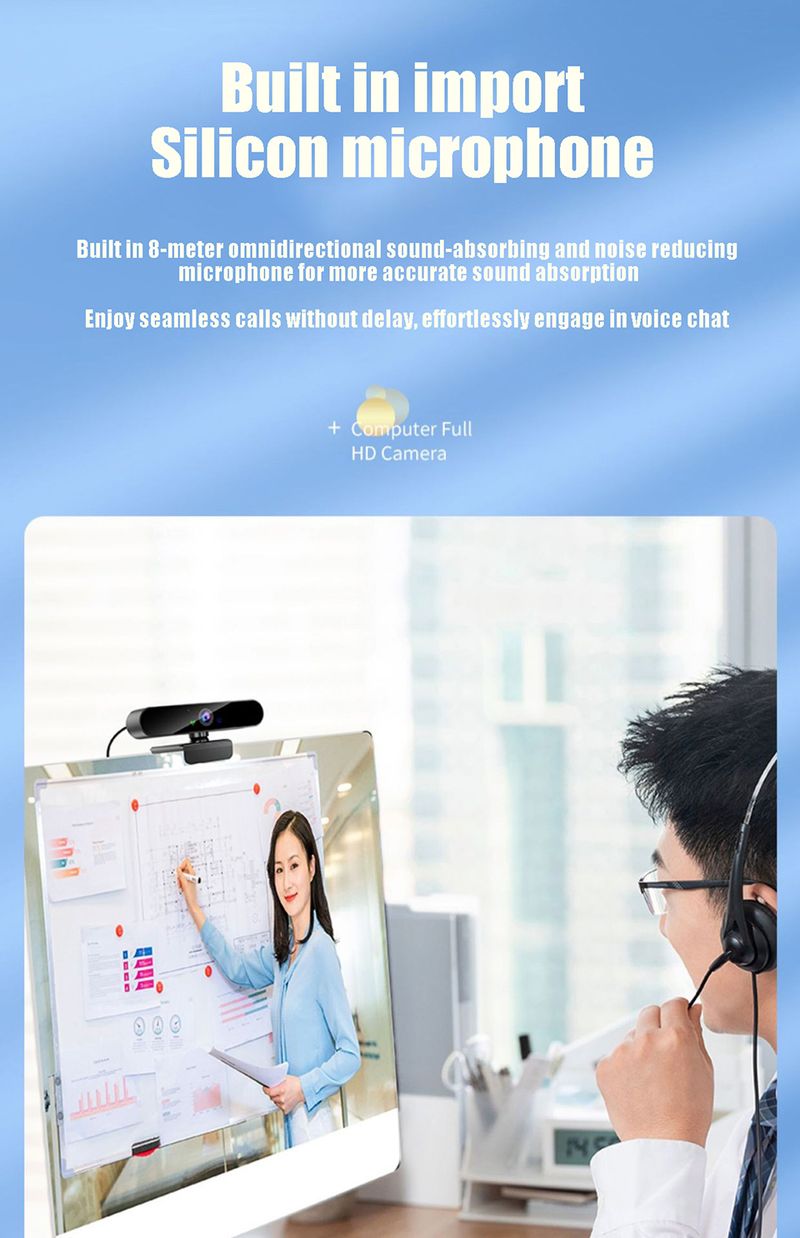
Built-in Noise-Canceling Microphones
Built in 8-meter omnidirectional sound-absorbing and noise reducing microphone, more accurate sound absorption, smooth communication without delay, easy voice chat.
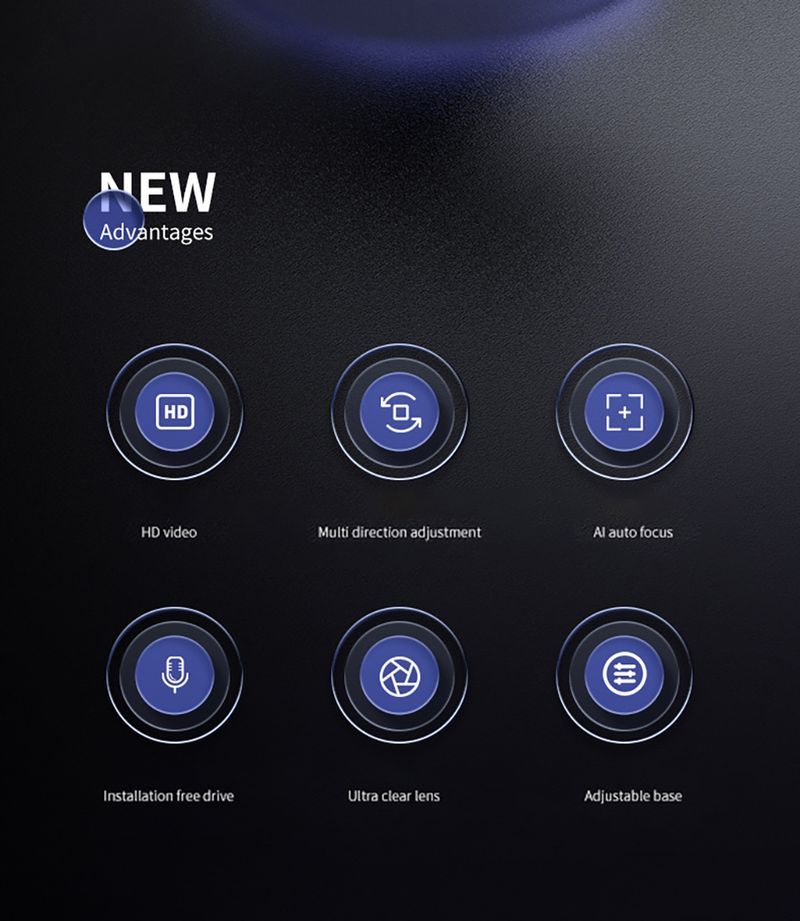
High definition intelligence, autofocus.
AD autofocus, more accurate framing, high-definition image quality presentation.
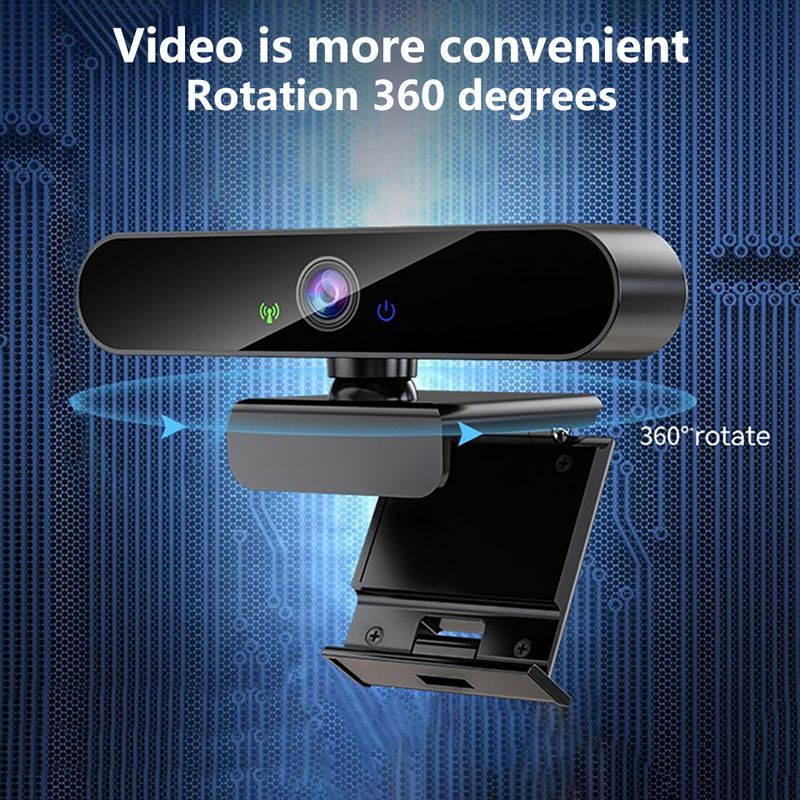
Video is more convenient
Rotation 360 degrees
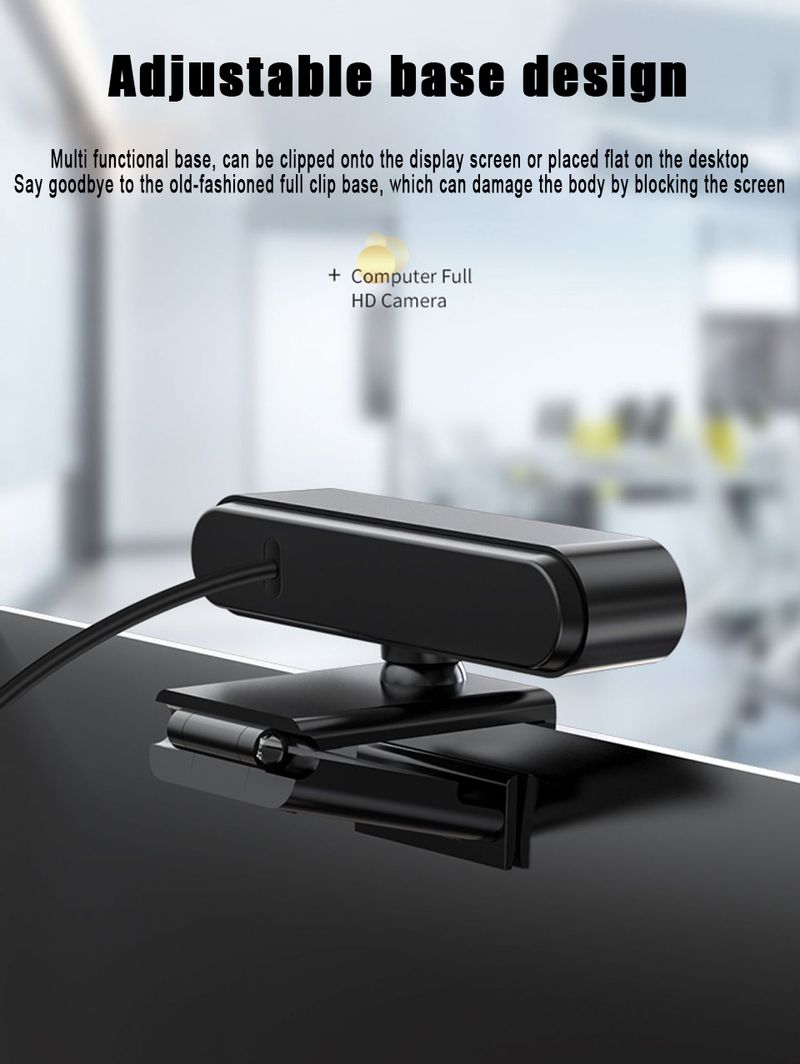
Adjustable base design
Multi functional base, can be clipped onto the display screen or placed flat on the desktop.
Say goodbye to the old-fashioned full clip base, which can damage the body by blocking the screen.
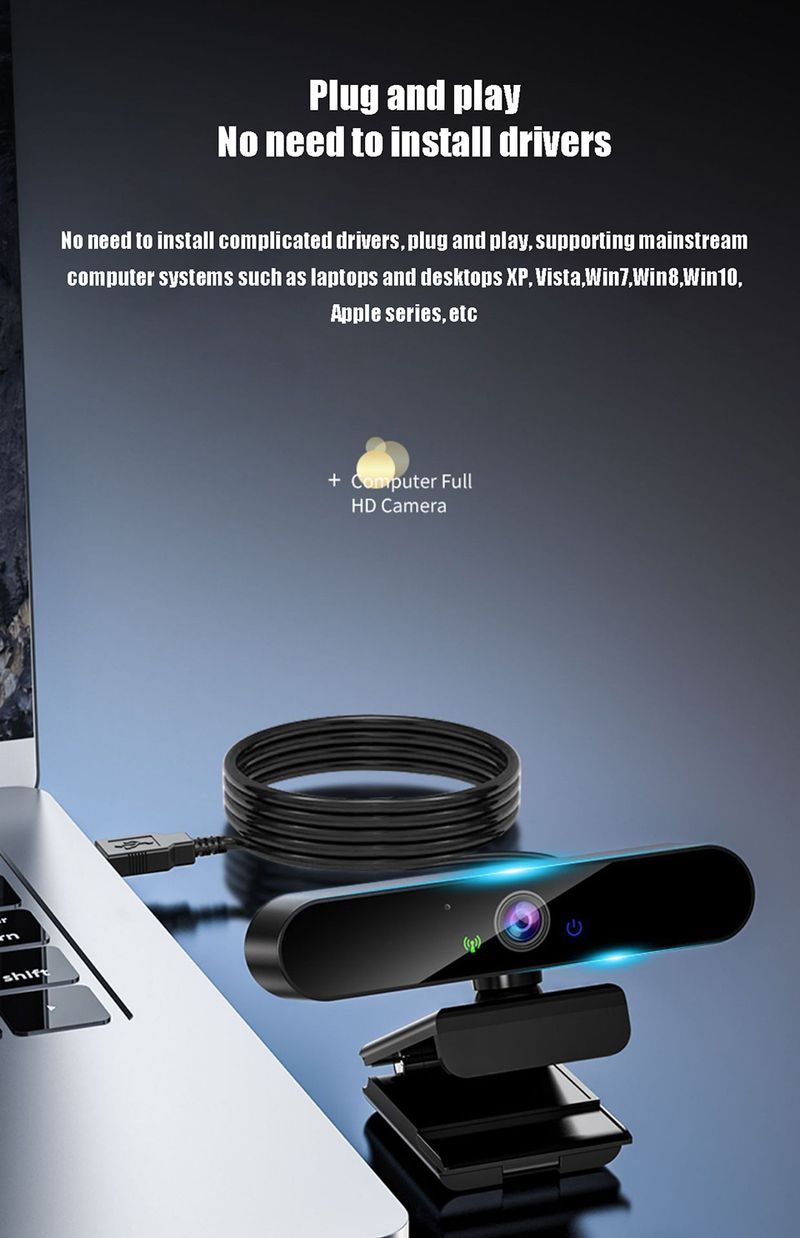
Plug and play, no need to install drivers.
No need to install complicated drivers, plug and play, supports mainstream computer systems such as laptops, desktops, XP, Vista, Win7, Win8, Win10, Apple series, etc...
How to install the device on the PC?
Place your webcam on a computer, laptop, or monitor at a position you desire.
Unfold the universal clip so it fits the top of your monitor or laptop screen.
Manually adjust the webcam up/down to the best position to frame yourself.



Videos
Videos for this product


 4.4 out of 5 based on 9,249 reviews